License & Activation
WhatsMine is a licensed product. Your copy is tied to a purchase code and the domain you run it on, and the app verifies that license with the license server in the background.
You activate the license once — during installation — and then only touch it again if you move the app to a new domain or transfer the licence.
When activation happens
| Where | When you use it |
|---|---|
Setup wizard (/install) — License step | The normal path: first install, before the database step. |
Admin panel → License (/admin/license) | Day-to-day: check status, re-activate, deactivate, check for updates. |
Standalone page (/license) | Shown automatically if the admin panel becomes unlicensed (e.g. you moved domains). Activate here and you're sent back to sign in. |
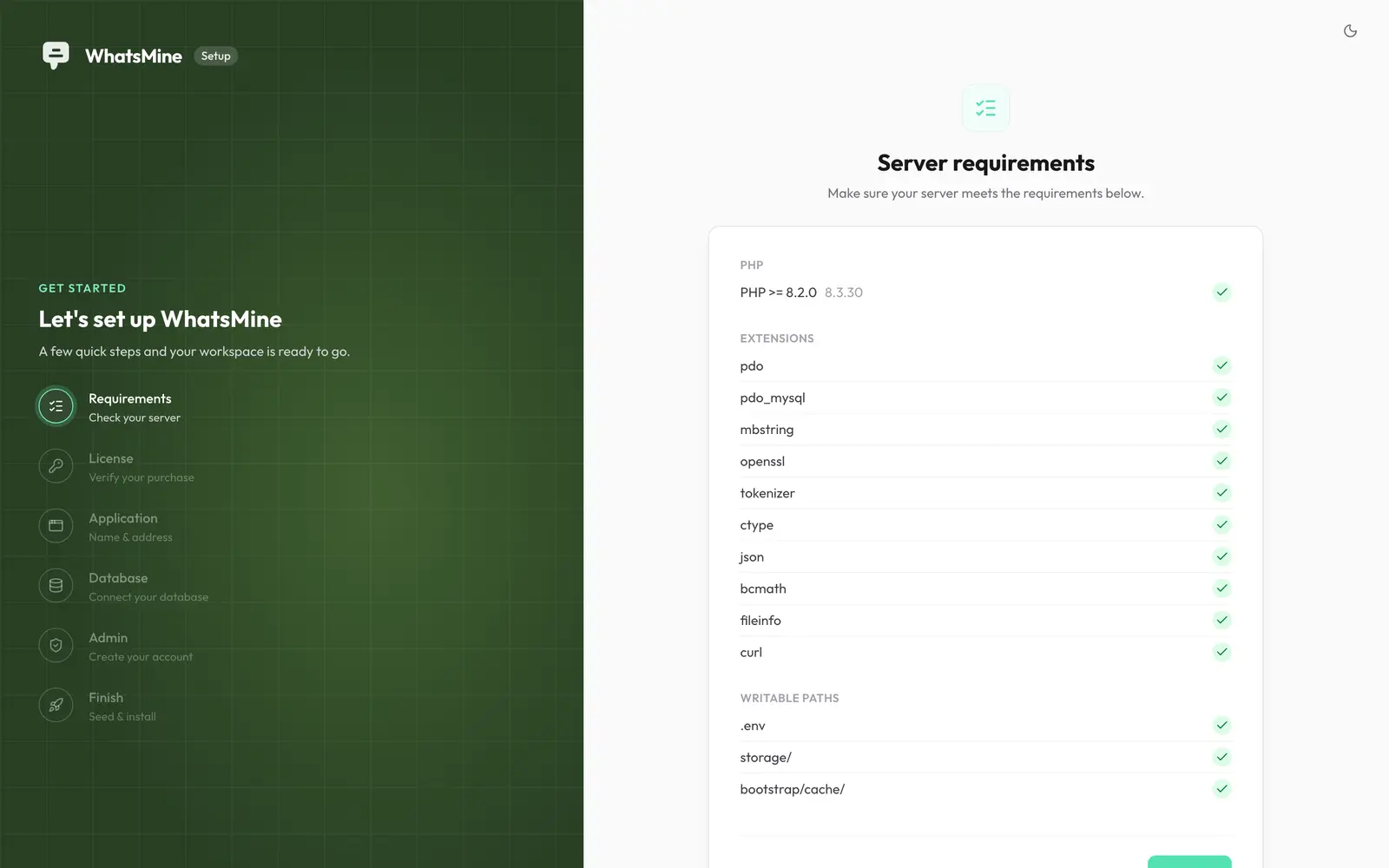
Activating
- Open the License step in the installer, or go to Admin → License.
- Pick the code type you have:
- Envato — your CodeCanyon purchase code. You must also enter the Envato buyer name (your Envato username), which is checked against the purchase.
- Non-Envato — a licence code issued directly by the author.
- Paste the code and click Activate.
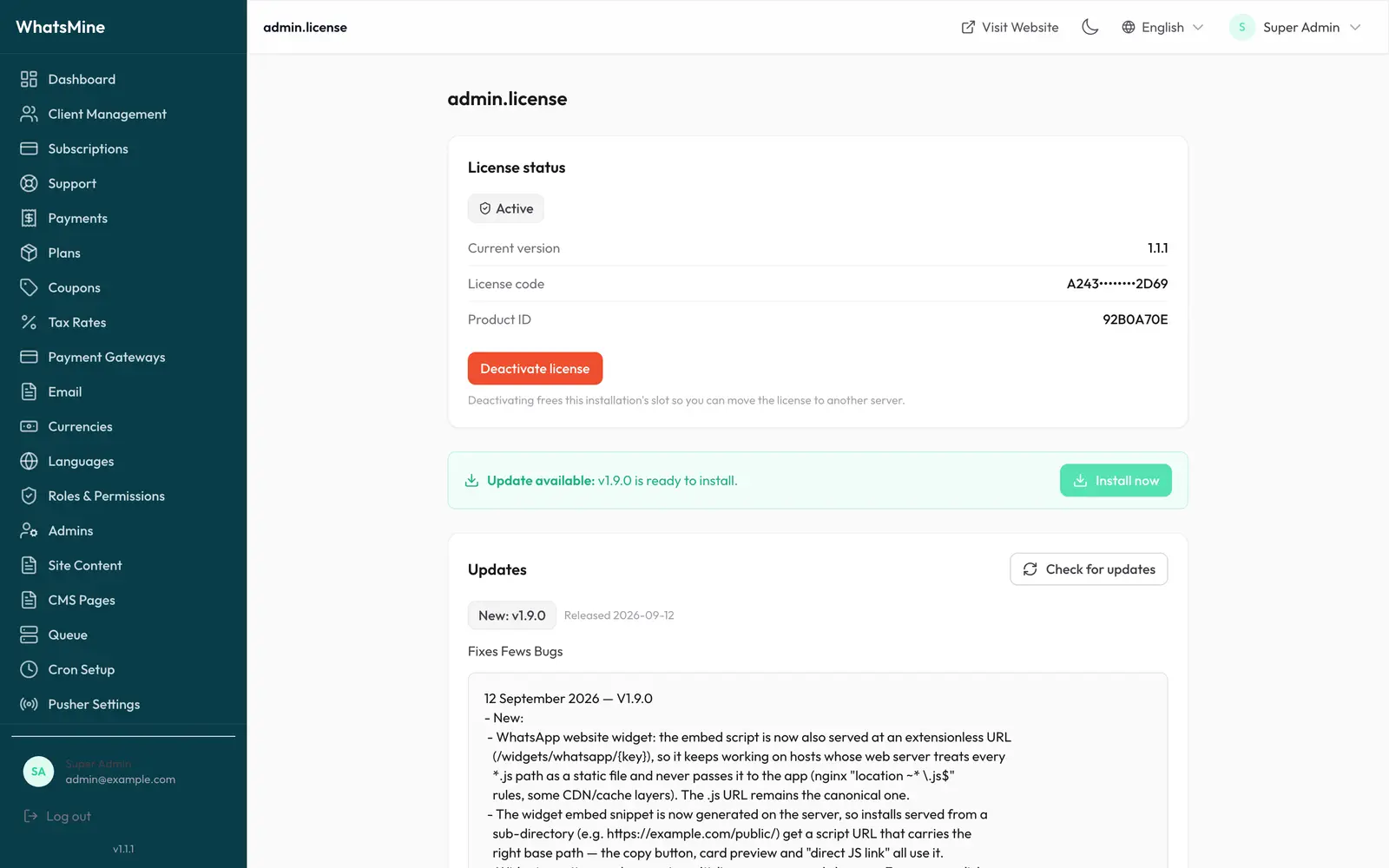
Once the server confirms the code, the activation token is written to a private file (storage/app/.license) and the app is licensed.
Where to find your Envato purchase code
Log in to CodeCanyon → Downloads → find WhatsMine → License certificate & purchase code. The code looks like 8f1b2c3d-4e5f-6a7b-8c9d-0e1f2a3b4c5d.
How verification works
- The result of a successful check is cached (12 hours by default) so the licence server isn't contacted on every request.
- If the licence server is briefly unreachable, a short grace window keeps a legitimately-licensed app running instead of locking you out.
- Verification is bound to the domain in
APP_URL, so changing your domain requires re-activating.
You can tune the cache window in .env:
LICENSE_CACHE_HOURS=12
Moving to another domain
Activations are limited per purchase, so deactivate before you move:
- On the old domain: Admin → License → Deactivate.
- Point the new domain at the app and update
APP_URLin.env. - On the new domain: Admin → License → paste the same code → Activate.
If you no longer have access to the old installation, contact support to have the activation released.
Staging and production count separately
A staging copy on a different domain consumes its own activation. Deactivate staging when you're done with it, or ask support about a development licence.
One-click updates
Because the app knows your licence, it can also fetch new releases for you. See Updating.
Troubleshooting
| Message | What it means | Fix |
|---|---|---|
| Invalid purchase code | The code doesn't match this product. | Check you copied the code for WhatsMine, with no leading/trailing spaces. |
| Buyer name does not match | Envato activation with the wrong username. | Use your Envato username, not your email or display name. |
| Activation limit reached | The code is already active on another domain. | Deactivate the old install, or contact support to release it. |
Redirected to /license after a domain change | The activation is bound to the previous APP_URL. | Re-activate on the new domain (see above). |
| Could not reach the license server | Outbound HTTPS is blocked. | Allow outbound HTTPS from your server; the grace window keeps you running meanwhile. |
After any licence change, clear the cached verification:
php artisan cache:clear
➡️ Next: finish setup in Configuration, then Going Live.